
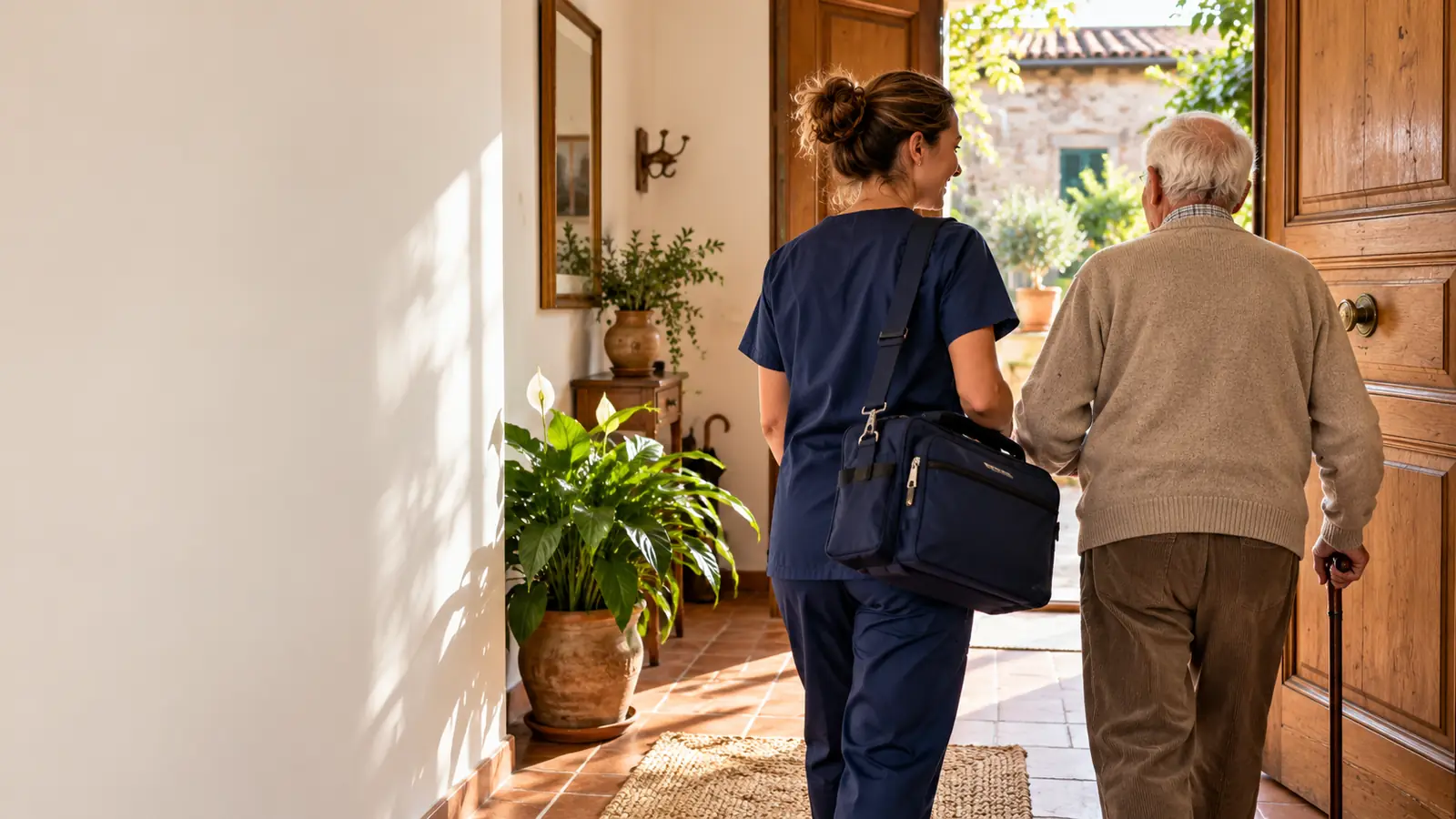
Home care
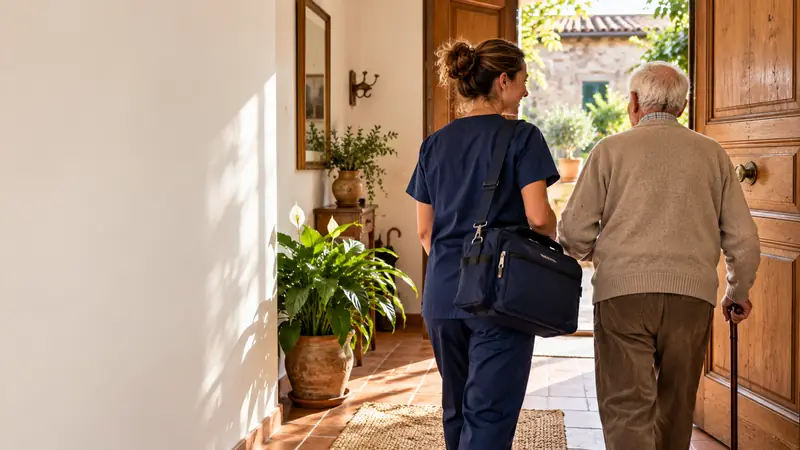
Care comes home. So does the organisation.
Care activations from the local health authority (ASL), individual care plans (PAI), optimised rounds for every staff member, an app to record attendance, services and signature at the patient's home, reporting and the SIAD home care data flow with no sheets to copy out.
From the community to reporting
Every visit, provable. Every euro, accounted for.
In home care the work happens out of the office, and it is easily lost along the way: who went, when, what they did, who signed. Nixsa Care records it on the spot, and turns visits into reports and data flows.
- ActivationCare activationRequest from the ASL, assessment, PAI with goals and visit frequency for each role.
- OrganisationPlanningVisits shared among staff, optimised rounds, cover arranged in a minute.
- At homeVisitAttendance verified, services from a checklist, vital signs, signature of the patient or caregiver.
- Month endReporting and SIADConsistency checks, SIAD data flow, invoices to the ASL and to private clients.
Staff app
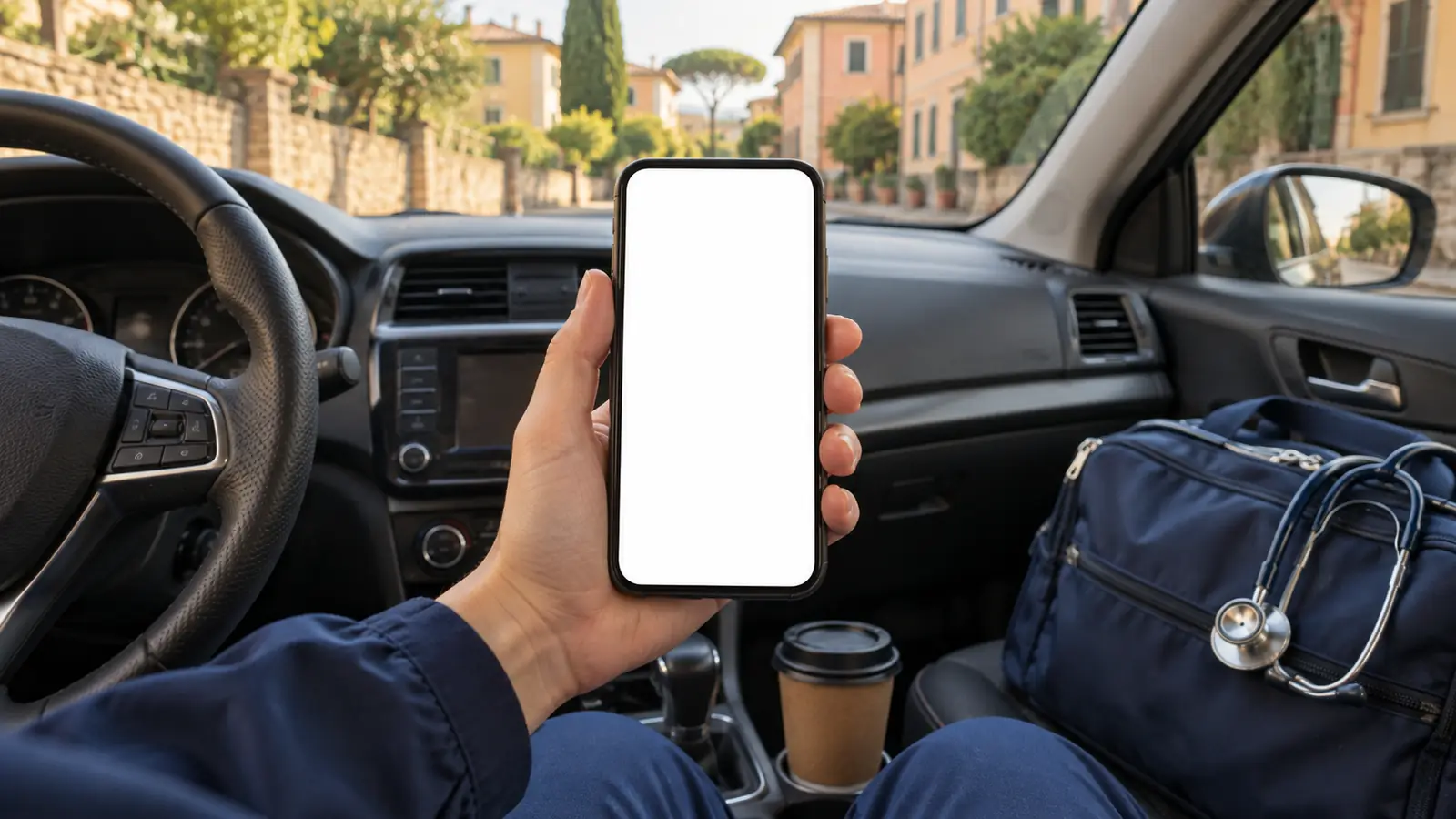
The whole visit on one phone. Even with no signal.
Staff see their homes in round order, arrive and record attendance, tick off the PAI services, enter vital signs, dictate a note and have the patient sign on the phone. If the network drops, everything is sent as soon as it returns.
- Attendance at home by geolocation or the patient's code
- Services and vital signs from the PAI, caregiver signature
- Works even without a connection
Home PAI
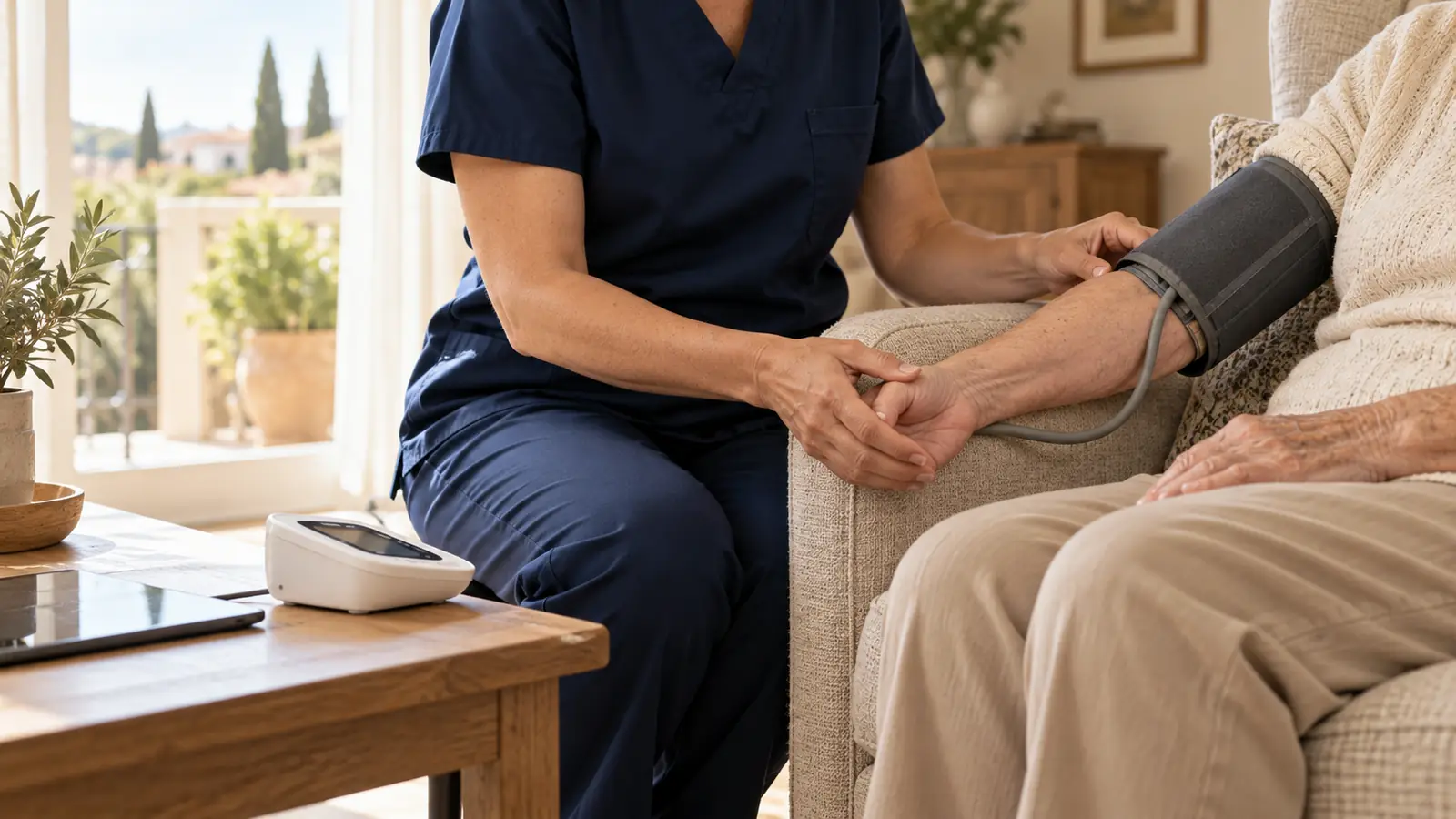
The care plan follows the patient home.
Goals, visit frequency for nurses, physiotherapists and care assistants (OSS), assessment scales, aids delivered. Every visit updates the care notes, and the family doctor and the caregiver see what they need.
Coordination
Tomorrow's rounds, ready in a minute.
The nurse coordinator sees the visits to be made, the staff available and the distances; the system proposes the rounds, and she adjusts them with a single move. Absences and urgent calls are reassigned without a chain of phone calls.
Try it in the demo
Active modules
What switches on for home care.
The dark modules are the ones for work in the community; the others are the platform's common foundation, useful even if you also run a nursing home (RSA) or an outpatient centre.
- Care activationsASL requests, assessment, suspensions
- Home PAIgoals, frequencies, scales
- Planning and roundsvisits, distances, cover
- Staff appattendance, services, signature, offline
- SIAD data flowchecks and export
- Reportingvisits by ASL and by role
- InvoicingASL via SdI e-invoicing, private clients, Sistema TS
- Staff and vehiclesshifts, mileage, deadlines
- Aids and supplieshome deliveries and collections
- Caregiver appnext visit, messages
- Accountingcost centres by service
- Security and GDPRhealth data on phones too
Interactive demo
Step inside Casa Serena.
85 fictional patients across three municipalities, 14 staff, the app on the phone and the month's reporting. Switch roles and follow the guided tour.
- 1Accept a care activation
- 2Plan the visits
- 3Visit with signature
- 4Reporting and SIAD
- 5The caregiver app
Other examples of use
The same software, configured for other facilities.
Patient and resident records, invoicing, Sistema TS, accounting, staff and security are shared. On top of them you switch on the modules for your line of work: for groups running different kinds of facility, it is a single system.


Contact
Tell us about your facility.
What kind of facility it is, how many beds or professionals, which software you use today, what takes up most of your time. We reply within one working day.
- [email protected]
- Interactive demos
- Nixsa Studio OÜ · software house